What to Prepare
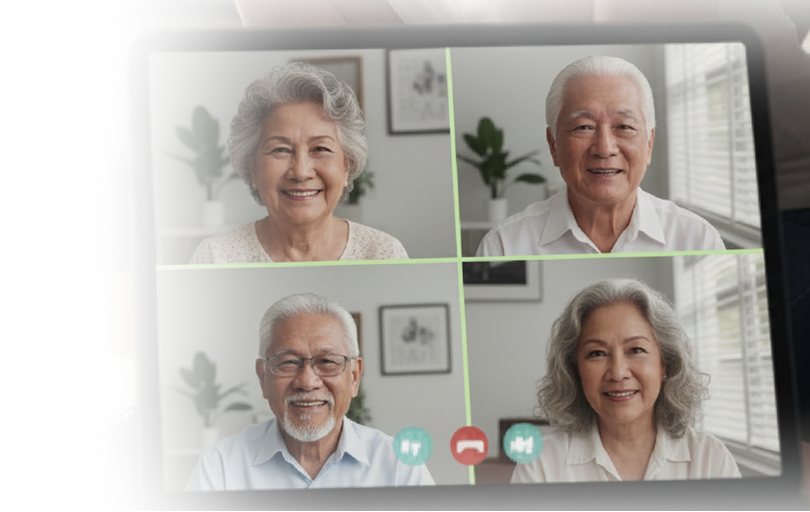
Everything you need to know before your video conference appointment.
Technical Setup
-
Find a well-lit area with minimal background noise
-
Be online 30 minutes early to test your connection
-
Test your webcam, microphone, and speakers using the TOOLS option
-
Ensure stable internet connection throughout the call
Required Documents & Valid IDs
Important Reminder: Original eCard/UMID must be presented for eCard/UMID activation, eCard replacement, or commencement of pension. Scanned or photocopy will NOT be accepted.
Acceptable Alternative IDs:
- Passport
- State ID-abroad
- Social Security Insurance ID
- Citizenship green card/residency
- Driver's license
- Any Philippine government issued valid ID
You will be contacted by any of the following usernames:
gsis.global1
gsis.global2
gsis.global3
gsis.global4
gsis.global5
gsis.global6
Important Reminders
- For request for ARAS, please take note that this can only be done on the month of your birthday.
- For request for commencement of pension, please take note that this can only be done a month prior to the date when your pension will start.
- Please refrain from calling these usernames while you are still waiting for your appointment time, even if you see these names online. They may be engaged in a video conference with other Pensioners.
Ready to set an appointment?
Schedule your video conference appointment with GSIS online today.
Set An Appointment